Continual learning for AI agents

Agents that learn from their failures.

Follow a complete example in the docs
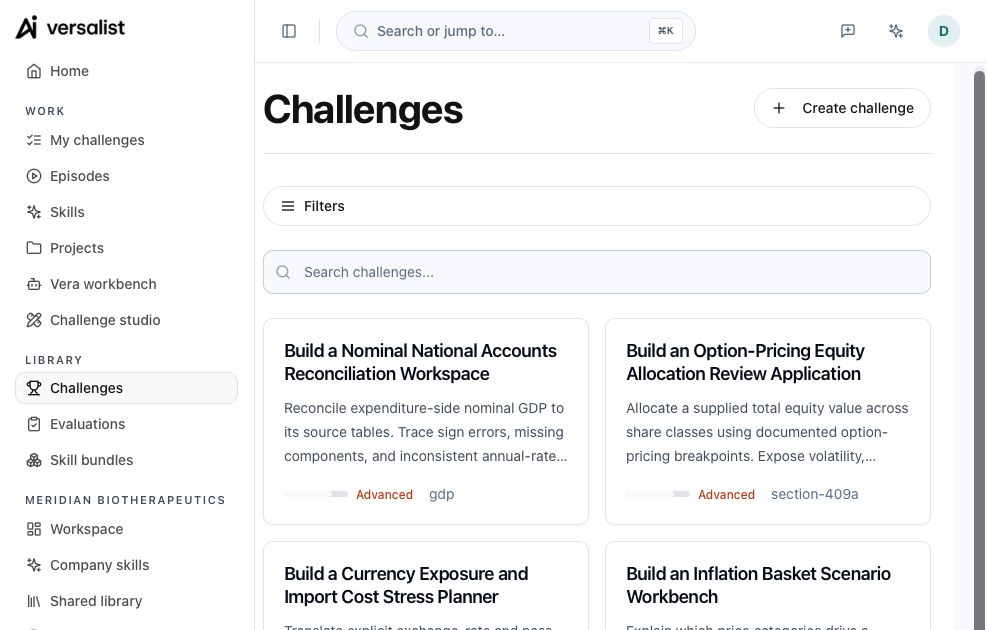
Public challenges
Loading
Created · 7 days
Loading
Latest challenge
Loading

Excludes deleted records and fixtures · rolling 7-day UTC window

  1. 1. Challengeexample challengeillustrative
  2. 2. Runsexample runillustrative
  3. 3. Scoreexample rubricillustrative
  4. 4. Releaseexample releaseillustrative
illustrative workflow
OpenAIAnthropicMetaGooglexAIQwenMCPLocal commandsOpenAIAnthropicMetaGooglexAIQwenMCPLocal commands

Use your existing workspace

Bring your own coding agent.

Open your agent guide. Then connect the Versalist CLI or MCP server from the same repository and terminal.

A repeatable task with clear checks.

A challenge keeps the task, cases, and scoring rules together, so baseline and candidate are judged the same way.

Explore challenges

One task, fixed checks

The brief, versioned cases, and scoring rules stay attached to the challenge.

Scores by dimension

Each scoring dimension shows which checks passed and which need attention.

Every run leaves a record

Each CLI run records its command, output, duration, source revision, and challenge hash.

Prove the change before release

Baseline and candidate run the same cases. The CLI fails when a candidate misses its checks or comparison threshold.

Skills that keep learning

Each night, skills that start failing get a proposed fix, tested against the current version. You approve what ships; model weights stay untouched.

TestUnderstandCompareRelease.

The same workflow you already use for code, applied to agent behavior.

Test the agent

Pick a challenge: a fixed task with inputs, expected results, and a weighted rubric. Run your agent against it from the web app or from the terminal it already uses.

Understand the failures

Read the available output and evaluation results. Separate failed checks from execution errors. Authorized trace capture adds call metadata.

Compare, then release

Save a failure as a test case, change the instructions, and evaluate baseline and candidate on the same cases. Keep the change only when the evidence supports it.

Run Versalist from the same terminal your agent already uses

One command pulls the challenge into your repo. Test a candidate, read the failed checks, and compare it with your recorded baseline before you release it.

Try it now
npx -y @versalist/cli start agentic-code-optimization-review
No install required. versalist list works without an account; start and submit need a free API key (VERSALIST_API_KEY).
1

Start

Pull the challenge brief, public test cases, and expected results into the repo your agent is already using.

2

Run

Run the agent from the CLI. Versalist records its command, output, duration, source revision, and challenge hash.

3

Evaluate

Run a verifier. A passing check records a score of 100; a failing check records 0 and exits nonzero, with the logs next to the run.

4

Compare

Compare a candidate with the baseline. The result is improved, unchanged, below_threshold, or regressed, and the CLI fails on the last two.

5

Submit

Review the local evidence. Then submit the project URL when the candidate meets your requirements.

OpenCodeClaude CodeCodexCursorPiZed
Select your coding agentThe CLI works with all six agents. Five agents can start the package in MCP mode. Pi uses the CLI path because it does not include native MCP support.
Terminal Workflow
$versalist start agentic-code-optimization-review

[ok] Wrote CHALLENGE.md

[ok] Wrote .versalist.json

[info] Challenge context is ready

$versalist run --command "python agent.py"

[ok] Agent run and provenance recorded

$versalist evaluate --run latest --command "pytest"

[ok] Verifier result recorded

[info] Compare this candidate with the baseline

$

Frequently Asked Questions

Versalist helps developers test AI agents, inspect failures, and compare changes before release.